This post is also available in: Nederlands (Dutch) Français (French) Deutsch (German) Italiano (Italian) polski (Polish) Română (Romanian) Русский (Russian) Español (Spanish)

Setting up a shop online doesn’t mean building every web page from zero. Grab a pre-made WordPress theme and you get a solid starter set for your store, items, blog, and main pages. Ecommerce WordPress Themes give you a simple base where you can drop in your own products, images, text, and info to replace the placeholder stuff. Shopping Themes help you skip the pain of building a website layout from scratch. They also help you sort your products and main shop info so people can actually find things. ThemeHolt has themes and design bases for all kinds of web shops. Just make sure to check out the look, built-in features, and tweak options before picking the right Ecommerce WordPress Themes for your business.
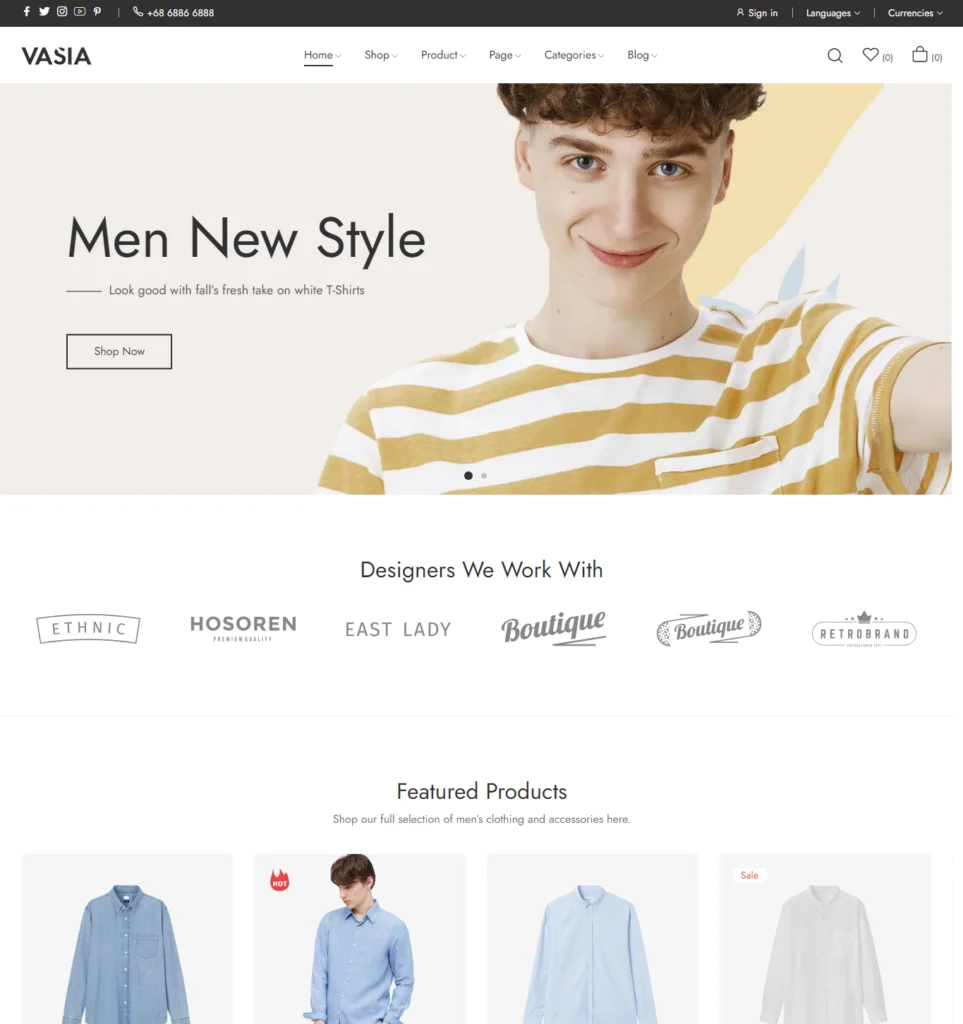
Why Ecommerce WordPress Themes Are Useful for Online Stores
Using Ecommerce WordPress Themes saves you a ton of work. The whole layout is pretty much done for you, so you don’t need to code pages from scratch. Shopping Themes also give you a ready layout where you can add your own photos, prices, text, and store details. Plus, a good theme makes every page match nicely. You save hours. You basically grab a theme, change a few settings, and you are ready to sell.
- Product Display: Show your items clearly. Put prices, pictures, and short descriptions right where people look. When buyers see facts quickly, they buy faster.
- Easy Navigation: Keep menus super simple. If browsing is easy, people stay on your page longer instead of leaving for another shop.
- Mobile Layout: Your site has to work fast on phones and tablets. Almost everyone buys things on their phone now, so a bad mobile layout ruins sales.
- Store Pages: Set up standard pages for your products, shipping rules, and help info. Having these ready handles customer questions before anyone even emails you.
- Simple Customization: Swap out sample pictures, logos, text, and fonts for your own stuff. Just tweak basic options until the site looks like your actual brand.
- Clear Structure: Make the path from home page to checkout as short as possible. Fewer steps mean fewer buyers leave their carts without paying.
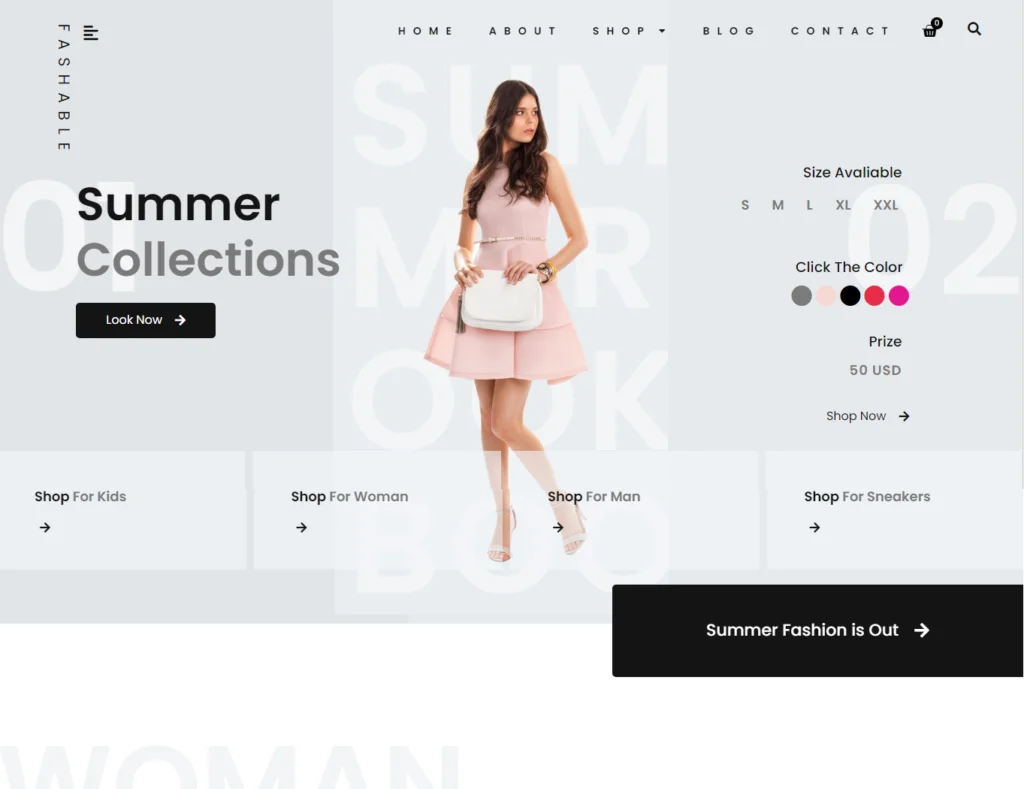
Features to Look for in Ecommerce WordPress Themes
When selecting Ecommerce WordPress Themes, looks on the main page are only half the battle. How smooth the backend runs when you drop in catalog items, fresh images, and custom copy is what actually keeps a site functional. Good Shopping Themes build out a solid base so organizing listings, landing pages, and main categories doesn’t turn into a technical headache. Since plenty of shopping templates throw in extra fluff you might never use, review the feature list carefully upfront. Sketch out what your shop requires today, but leave space to expand whenever your inventory grows. You can also check Elementor Kits if you want ready-made page designs that make it easier to build and edit your store pages.
- Mobile Responsiveness: Screen sizes vary wildly across shoppers, so layouts need to adjust on the fly without breaking elements across phones or desktop monitors.
- Clean Product Presentation: Item pages should feel spacious. Give images, titles, pricing, and description text enough clearance so browsing stays effortless.
- Native WooCommerce Integration: Full support for WooCommerce eliminates setup friction when configuring cart actions, checkout flows, and basic payment gateways.
- Flexible Styling Controls: Adjusting primary colors, site fonts, uploaded graphics, and structural blocks ensures the final store matches your actual branding.
- Streamlined Site Menus: Navigation bars and category links should guide visitors straight to specific inventory with minimal clicks or confusion.
- Search Engine Structure: Clean code markup helps crawling bots process site architecture fast, making indexing much easier across major search engines.
Frequently Asked Questions
- What are Ecommerce WordPress Themes?
They’re basically pre-designed site layouts meant for online shops. Instead of messing around with code, you just pick a design you like and fill in your own stuff. - What are Shopping Themes used for?
They help you display products so people can actually browse without getting lost. Works just as well for a small home biz as it does for bigger stores with huge catalogs. - Can I customize an Ecommerce WordPress Theme?
Yep, pretty easily. You can swap out the default text, photos, and items in Shopping Themes right from the dashboard without needing to hire a designer. - Are Ecommerce WordPress Themes suitable for small businesses?
Honestly, they’re perfect for smaller setups. Skipping custom dev work saves you a ton of cash and gets your shop up and running way faster. - What should I check before choosing a Shopping Theme?
First off, test how it looks on a phone screen. After that, see if it’s easy to tweak, check how the product pages look, and double-check that it works with your payment checkout tools.
Conclusion
You don’t need to start from scratch when setting up an online store. Picking a good WordPress theme gives you a solid base to display your stuff, sort products into groups, add key info, and keep buying simple for shoppers. The right store theme keeps your pages neat without locking you in, so you can easily drop in your own photos and text. Shopping themes save a lot of time since they come with pre-built layouts for almost any business idea. If you want a quick start for your next shop, take a look at the WordPress themes over at ThemeHolt and pick a layout that works best for your products and customers.


