This post is also available in: Nederlands (Dutch) Français (French) Deutsch (German) Italiano (Italian) polski (Polish) Română (Romanian) Русский (Russian) Español (Spanish)
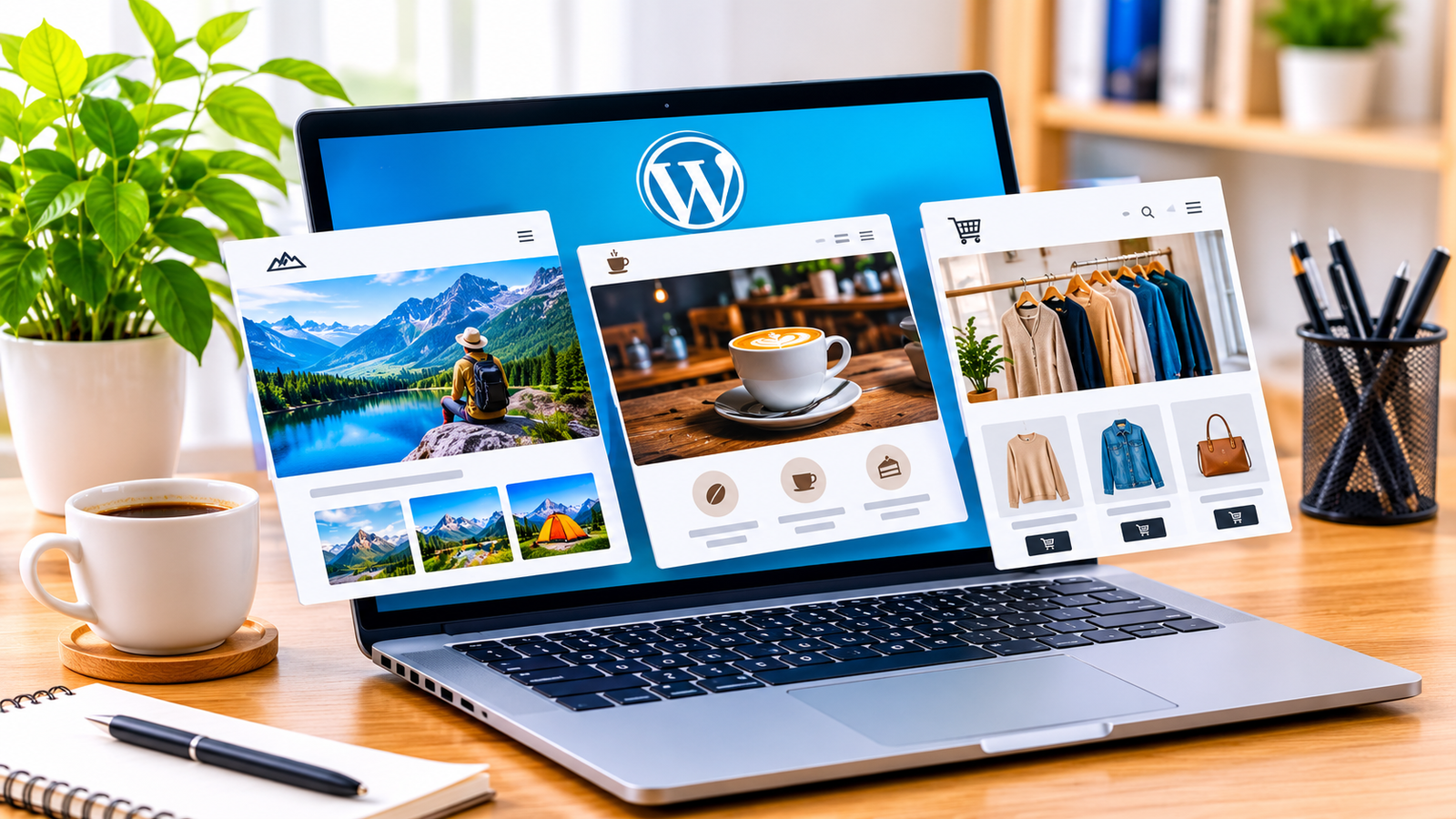
Ever opened a theme store and felt lost after five minutes? You’re not alone. There are just too many designs to pick from. That’s why multipurpose WordPress themes are so handy. One theme can run a blog today and a small shop next year, so you don’t need to start over. Think about how you use your own phone. Most people check sites there first, and a page that looks squashed or loads slowly gets closed fast. Good responsive website themes fix that by fitting any screen. Sites like Themeholt sell ready-made designs for less money than you’d guess. In this post, I’ll show what to check before you buy, so you end up with a site that works and looks good. It only takes a few minutes, and it can save you many weeks of headaches later on.
Why Flexibility Matters in Modern Web Design
Here’s why so many people like all-in-one themes: you can change things without starting over. Say your plans change next month. You just open one dashboard and tweak the layout, colors, or tools. Multipurpose WordPress themes already come with lots of options built in. That means fewer add-ons, fewer things breaking, and a site that loads quicker and is easier to look after. Saves time.
- Many Layouts: Don’t like the header? Swap it. Same goes for the footer, and no coding is needed.
- Ready Demos: Found a cafe site you love? Click once, and it’s all yours to edit.
- Simple Editing: Nothing beats seeing changes live. Tweak a font, color, or gap and watch it update fast.
- Room to Grow: Start small. If you want a shop or a form later, just add it.
- Saves Money: Multipurpose WordPress themes cover many sites on one license, so your wallet thanks you later.
Prioritizing Mobile Friendliness and Speed
Last time you looked something up, what did you hold in your hand? Most likely your phone. That’s how your visitors see your site too. Responsive website themes make your pages fit small screens without fuss. We’ve all tapped away from a page that took too long, and your visitors do the same. So before you pay for it, open the demo on your own phone. Fast pages also get found more. A good theme gives you a strong start, but pairing it with a WordPress SEO plugin helps more people find your pages in search.
- Phone Check: Look at your pages on a phone and a tablet, so you catch problems before anyone sees them.
- Light Code: Simple files load fast, so people keep reading instead of waiting and giving up on you.
- Smaller Images: Big photos slow pages down, so lazy loading shows them only when someone scrolls there.
- Easy Menus: Big buttons and clear links make it simple to tap with your thumb.
- Google Scores: Good speed scores can help people find your site on Google, which adds up over time.

Evaluating Features, Support, and Brand Reliability
A pretty demo is nice, but it won’t help you later. So read the guides first. Check when the theme was last updated, and see what buyers say. Themeholt sorts its themes into clear groups, shows its prices up front, and has a ticket system if you get stuck. Good responsive website themes get updates often, which keeps your site safe. Checking now saves a big mess later.
- Steady Updates: Bugs get fixed and new risks get blocked, so your site stays safe and working.
- Easy Guides: Stuck? Short guides and videos show beginners exactly what to click, no pricey developer needed.
- Real Help: Send a ticket or email and get a kind answer before problems reach your visitors.
- Plugin Friendly: Multipurpose WordPress themes play well with Elementor, WooCommerce, and SEO tools, so work goes smoothly.
- Money Back: Not the right look? A fair refund policy means you can walk away without losing your money.
Matching Your Theme to Your Goals and Budget
Don’t pick a theme just because the demo looks pretty. Ask yourself what you want the site to do. Write that down, then compare a few themes by features, speed, and price. Themeholt sells discounted designs for many kinds of sites, and multipurpose WordPress themes are a smart pick if you have a few projects planned. Good responsive website themes look right on every screen, so test your top picks before you pay. Don’t rush it. A little patience saves you trouble.
- Start With Your Aim: Is it a blog, a shop, or a portfolio? Know that first, then look.
- Watch Your Money: Themeholt prices are friendly, but only pay for the parts you know you will use.
- Plan Ahead: Multipurpose WordPress themes let you add a shop or classes as your crowd grows.
- Try It Out: Open responsive website themes on a few screens and check that each part looks neat.
- Read the Rules: Check the license, update time, and how many sites you can use it on.

Frequently Asked Questions
1. What is a multipurpose WordPress theme?
Think of it as one theme that can do many jobs. Want a blog today and a small shop next month? No problem. You just move things around and change the look.
2. Will my site look okay on a phone?
Most of the time, yes, but not always. responsive website themes shrink and shift your pages to fit any screen. Don’t just trust the demo picture, though. Open the live demo on your own phone and see by yourself.
3. Do I have to know how to code?
No. Most themes have an editor where you click on a part and change it. Fonts, colors, text, all of it. You see the change right there, so it’s hard to mess up.
4. Can I use one theme on a few sites?
Sometimes. It all comes down to the license. One license may cover a single site, and another may cover many. Read that part before you pay, because it’s the easiest thing to miss.
5. What should I look at before I buy?
Start with the date of the last update, since an old theme can cause trouble. Then read what real buyers say. Finally, see how to reach support and what the refund rules are, just in case.
Conclusion
Honestly, picking multipurpose WordPress themes really isn’t that scary. Ask yourself what the site needs to do. Then open the demo on your phone and read the license before you pay. Skip the update date and you may regret it. Most people trip up on at least one of those. And a good theme keeps up as your plans change, so you never have to begin again from nothing. Still not sure which one fits? Have questions about a theme, a license, or setting things up? Contact Themeholt and get help picking the right design today.


